


Can You take the Duolingo test on your phone? This question is crucial, given its direct influence on preparation and exam planning.
The phone is a key component of the security procedures. But its use is prohibited in the actual official exam.
This write-up will clarify the essential technical requirements for optimal readiness.
Key Takeaways
|
Want to ACE the Duolingo English Test (DET) And Reach Your Goals? Get Your FREE Lume Account Today to Unlock… ✅ 10,000+ PRACTICE QUESTIONS with detailed answers ✅ FREE MOCK TESTS with fast & accurate AI scoring ✅ Get BETTER SCORES with a PERSONALIZED study plan (Limited seats available!) |
No, you cannot take the official Duolingo English Test (DET) on a phone or tablet.
The test requires a desktop or laptop computer (Windows or macOS). You must use the specific desktop application.
Crucial Phone Requirement:
You cannot utilize your phone for the test itself, yet its use is compulsory for the security and proctoring setup.
Second camera: The phone’s camera must function as a secondary camera. It captures the computer screen, the keyboard, and the nearby area throughout the test for security reasons.
Initial Setup: Use your phone to submit your ID, scan your face, and perform a full-room scan before starting the official exam.
The Duolingo English Test (DET) is a crucial official English proficiency exam. Thousands of universities worldwide accept the DET. Duolingo enforces strict anti-cheating measures, since this protects the score integrity.
The restriction enables better control of the testing environment. It mitigates various risks, including unauthorized aid or potential distractions; therefore, restricting the exam to the computer application guarantees equitable and legitimate results for all participants.
You will download the Duolingo English Test application once you purchase the test from the official website.

The prompt to download the desktop application will appear after the test purchase is completed and you are ready to start.
The START TEST button must be clicked on your Duolingo English Test account dashboard. Then, you will see the DOWNLOAD option for the desktop application.
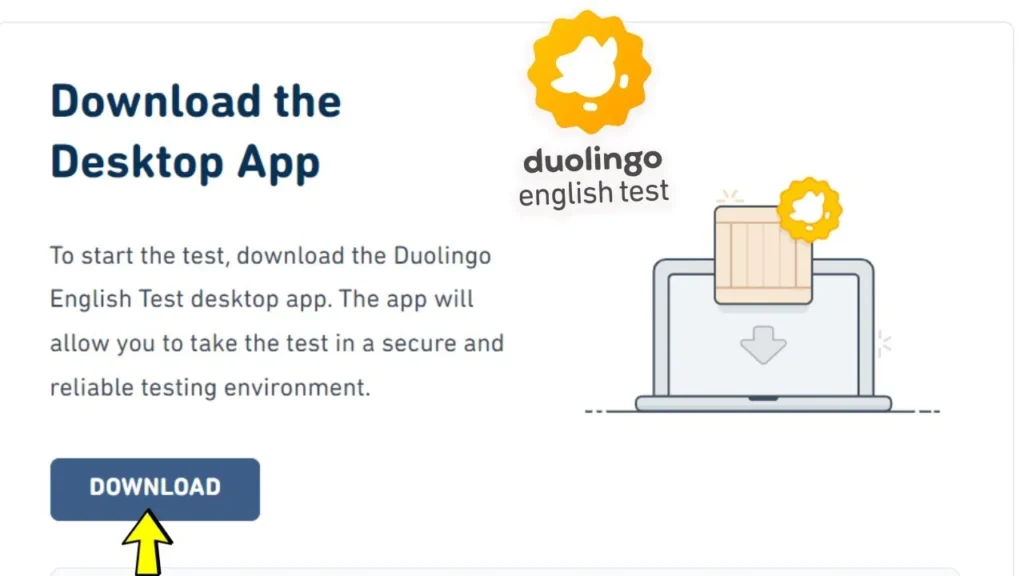
You can also visit englishtest.Duolingo.com/ download directly.
Follow your computer’s on-screen instructions to finalize the Duolingo English Test desktop application installation.
After having located the installed Duolingo English Test application on your computer, you can open it and log in using the same credentials you used on the website.
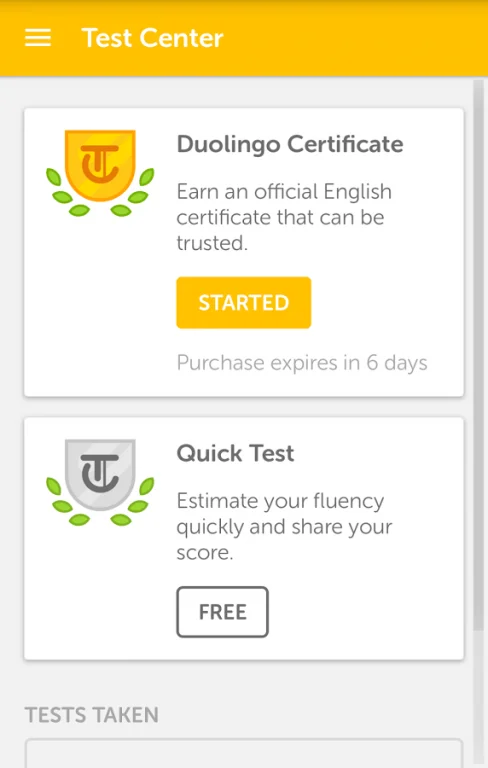
The application will walk you through the initial setup; this process covers:
The response to “Can You take the Duolingo English Test on your phone?” is a definitive No. It must be completed on a desktop or laptop running Windows 10 or later, or macOS 10.15 or later.
Your phone can only be utilized as an additional camera to scan the room and record the screen/keyboard while taking the test. The purpose is to increase security and ensure the integrity of the test.
You may want to try Duolingo English Test here
|
Want to ACE the Duolingo English Test (DET) And Reach Your Goals? Get Your FREE Lume Account Today to Unlock… ✅ 10,000+ PRACTICE QUESTIONS with detailed answers ✅ FREE MOCK TESTS with fast & accurate AI scoring ✅ Get BETTER SCORES with a PERSONALIZED study plan (Limited seats available!) |
Share
Lume Test
Editor
Lume Test is a leading platform offering practice questions and mock tests for major English exams like PTE, IELTS, TOEIC, Duolingo English Test, and more. We provide up-to-date, comprehensive materials designed to help learners improve their language skills and achieve high scores. With expert-crafted tests that closely mirror real exam formats, Lume Test ensures you're fully prepared for success. Your goals are our mission!

